gpdedup

Reclaim space in Google Photos by deleting duplicates.

Mac app built for Google Photos. Finds duplicate photos in your library and moves them to Google Photos Trash. Google keeps trashed items for 60 days. You can restore them any time from photos.google.com. Empty the trash yourself and they are gone.

Paid, one-time purchase on the Mac App Store. No subscription. Requires a Google account.

Your photos stay on Google 60 day restore You empty the trash, not us No upload to us

How it works

Three steps.

One job: find duplicates, move them to trash, let you restore them any time within 60 days.

  1. 1
    Sign in to Google Photos
    Google's own login page opens in a sandboxed window. Your password goes to Google, not to us. We never see it.
  2. 2
    gpdedup finds the duplicates
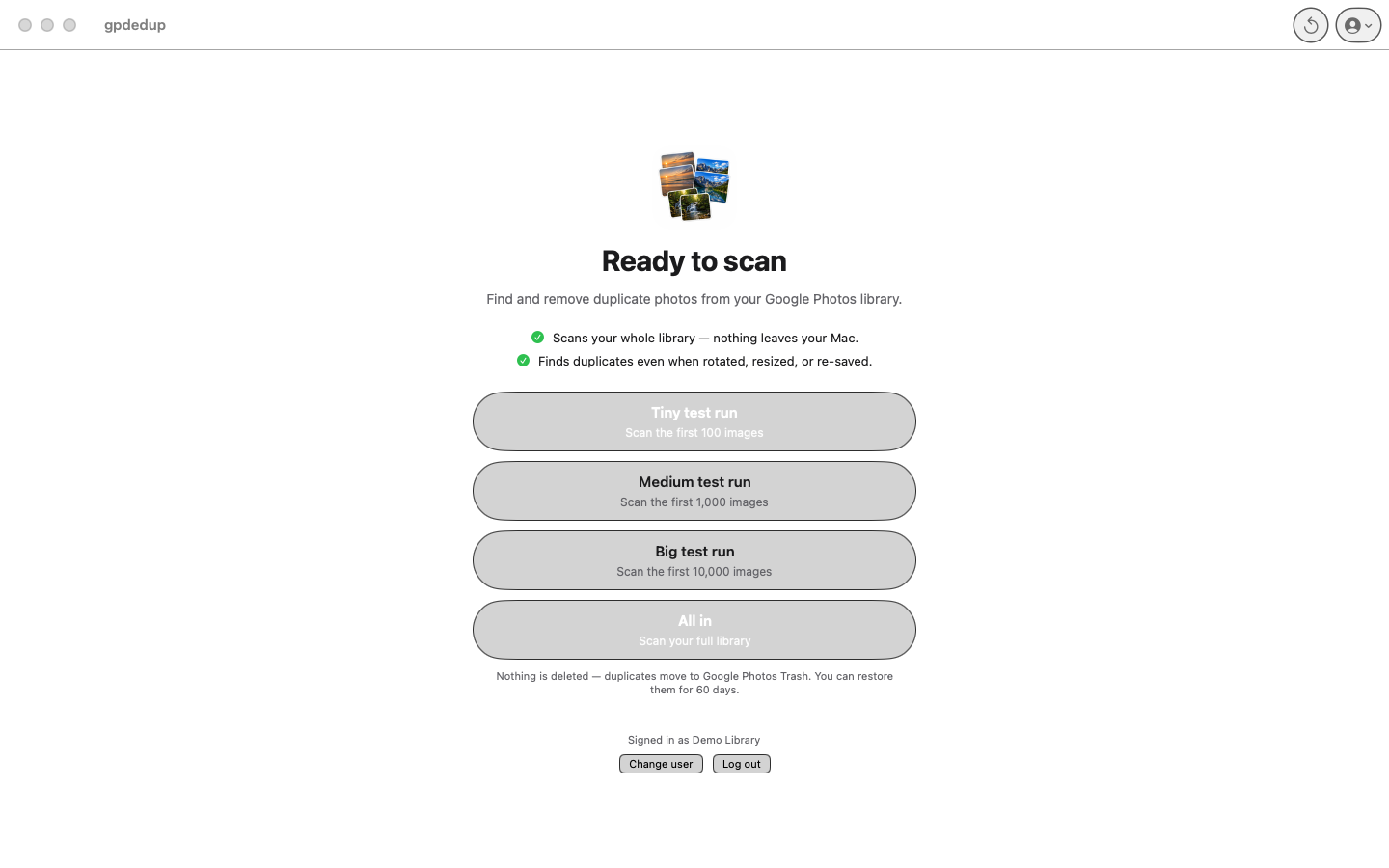
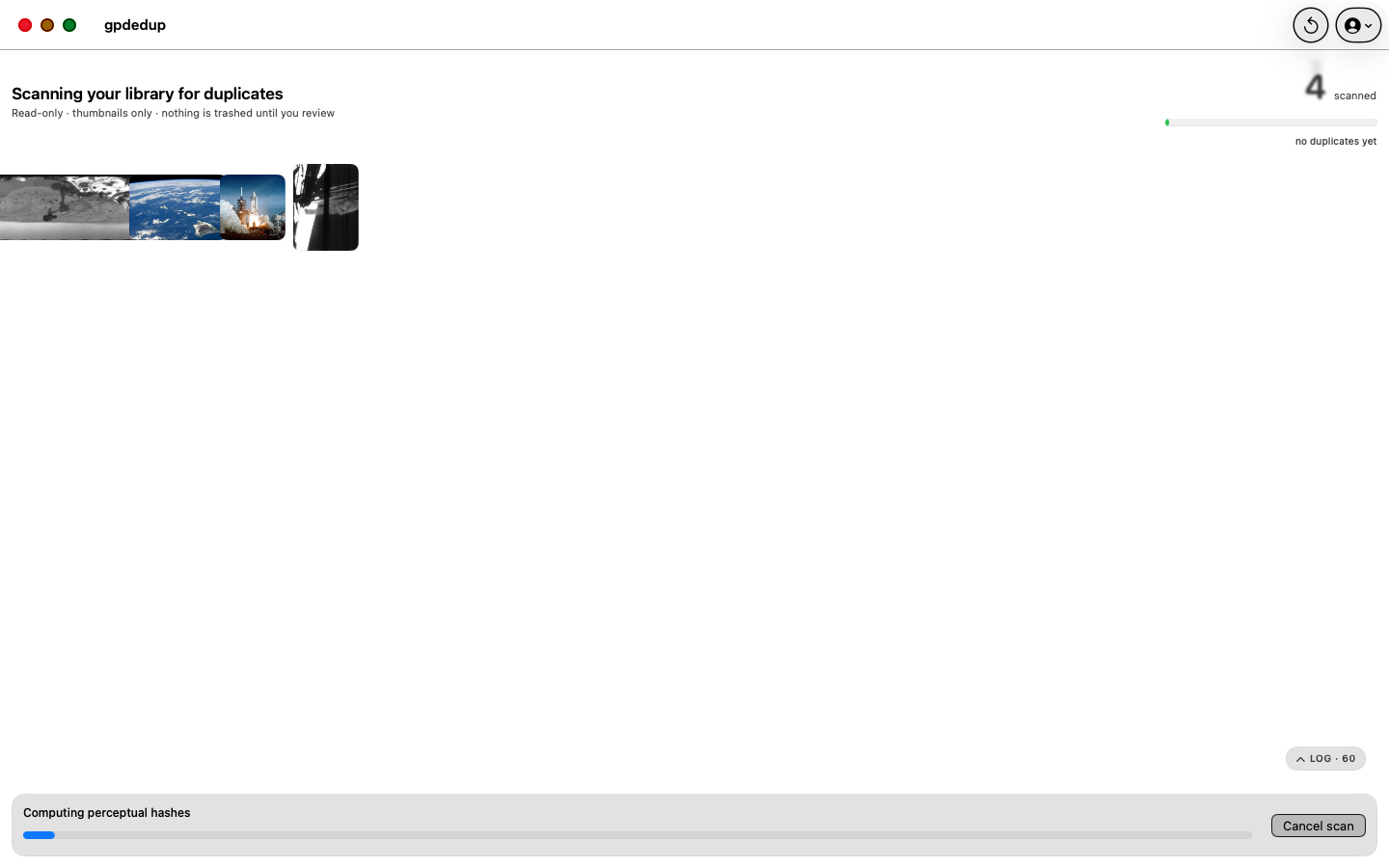
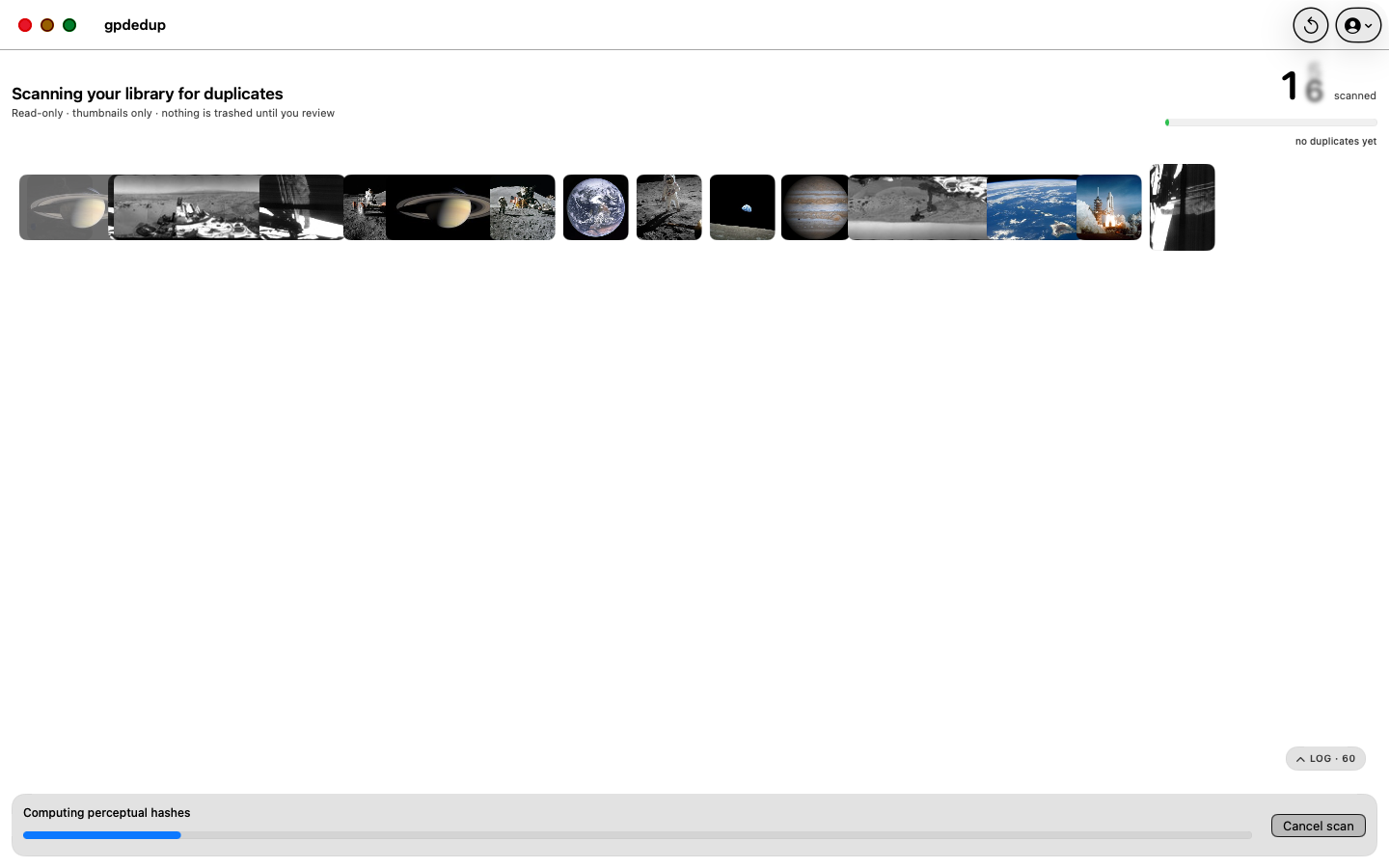
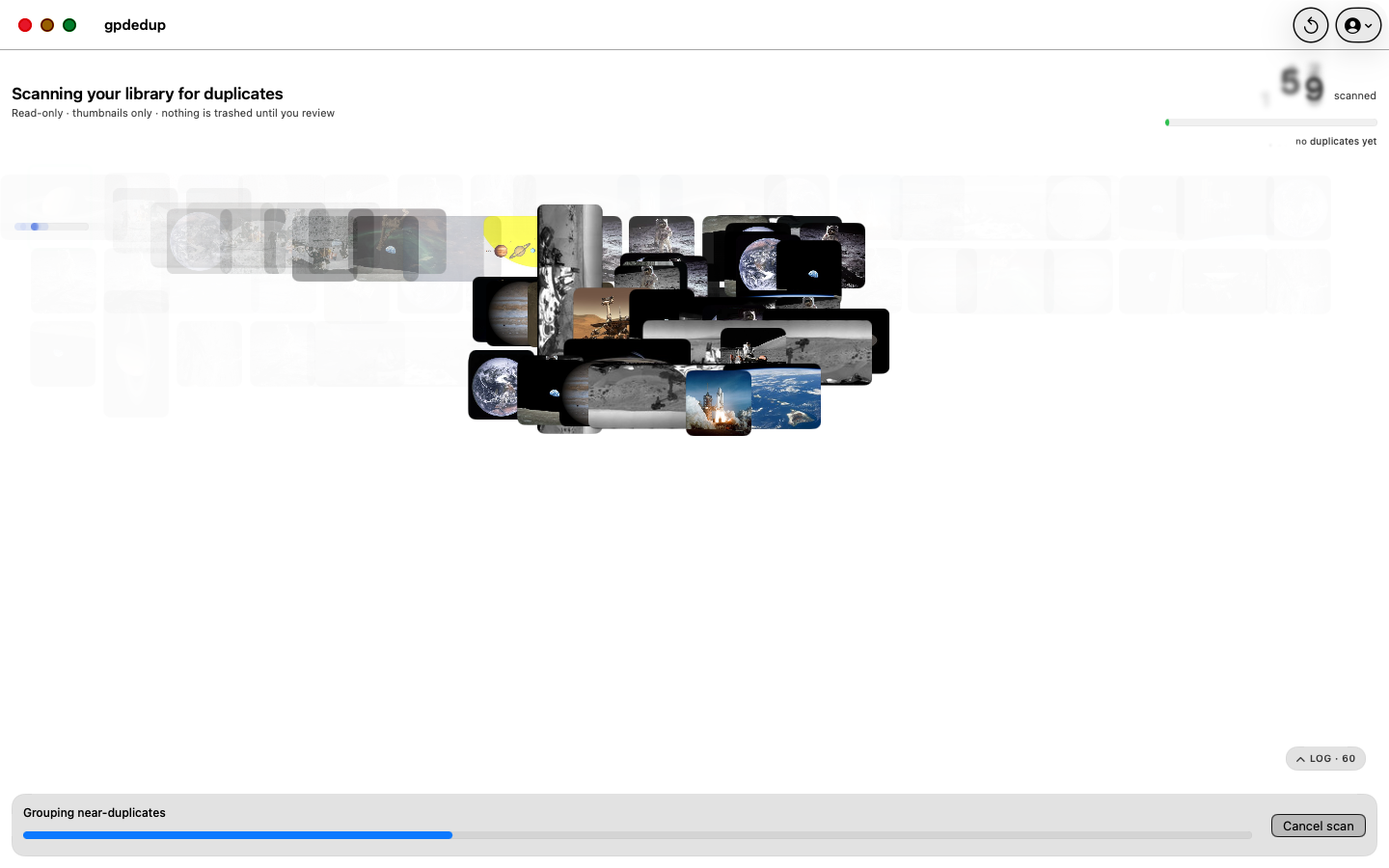
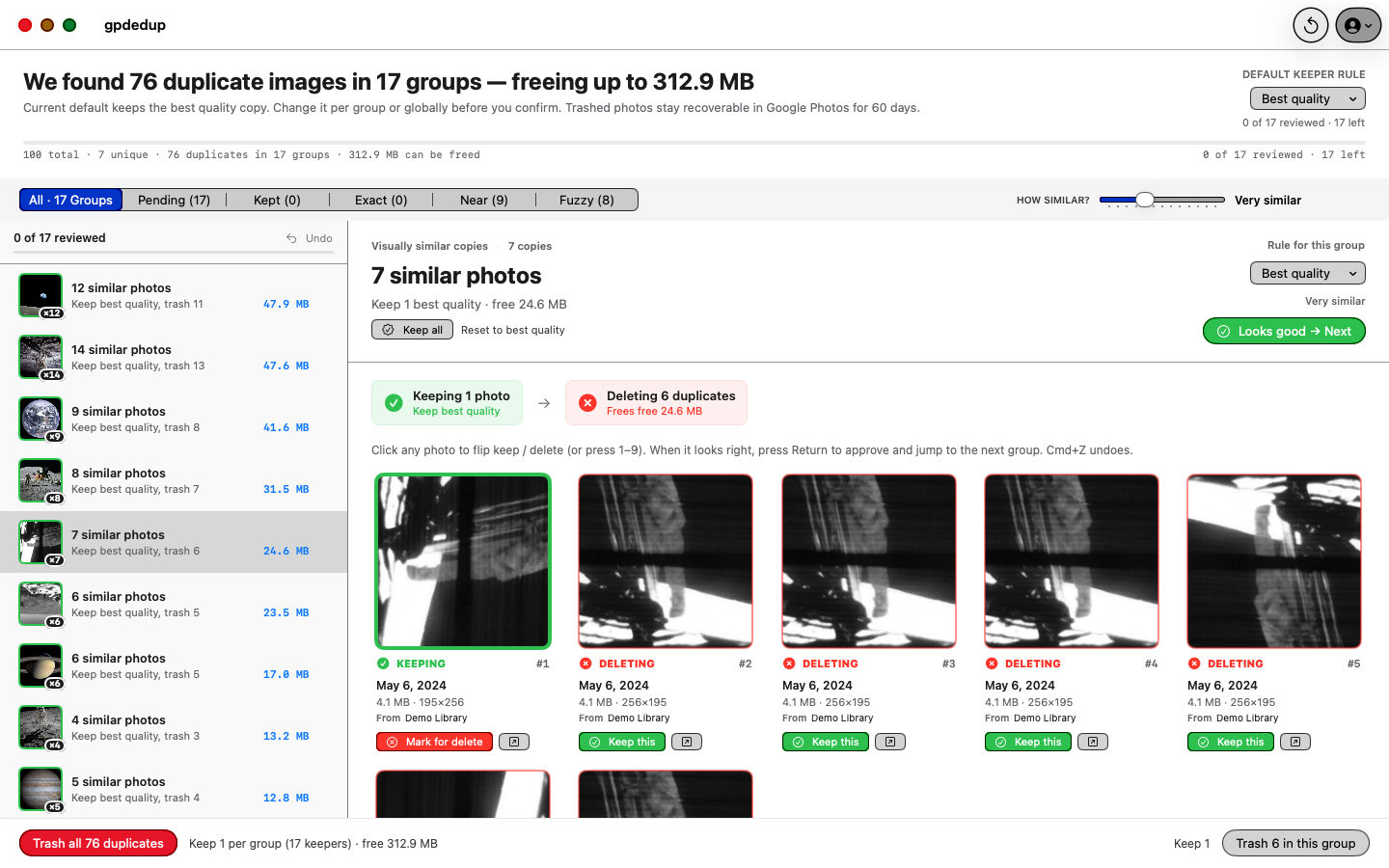
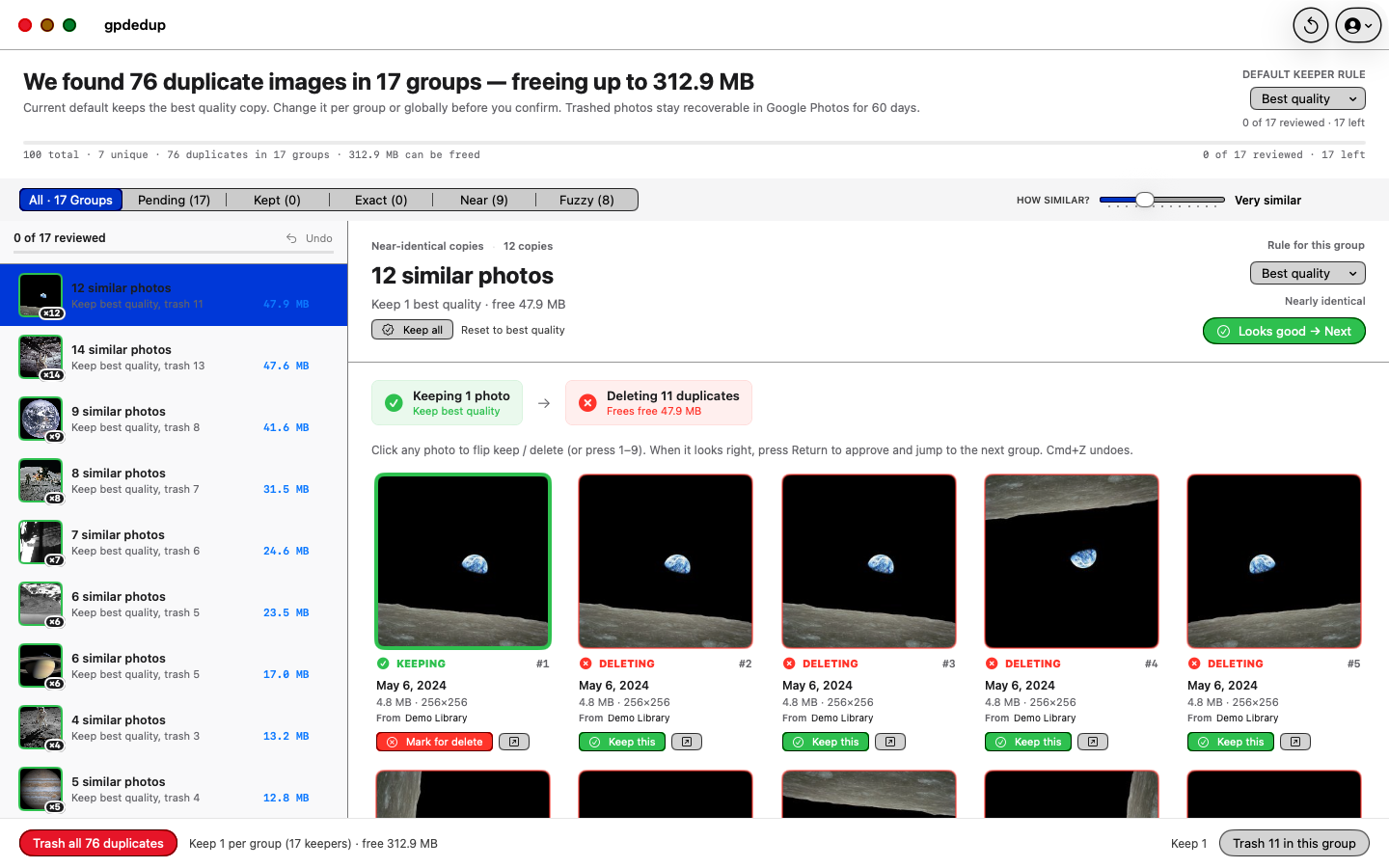
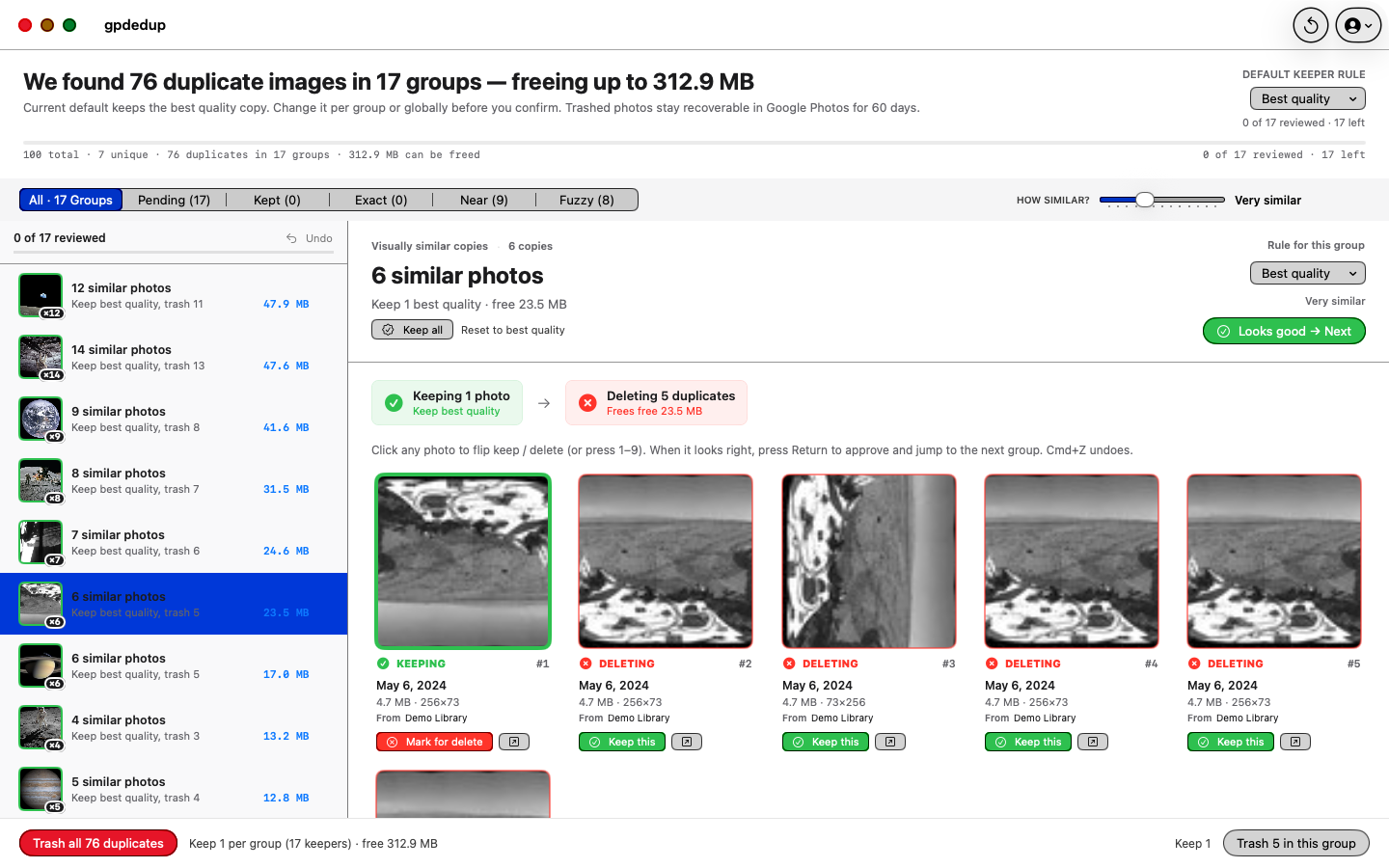
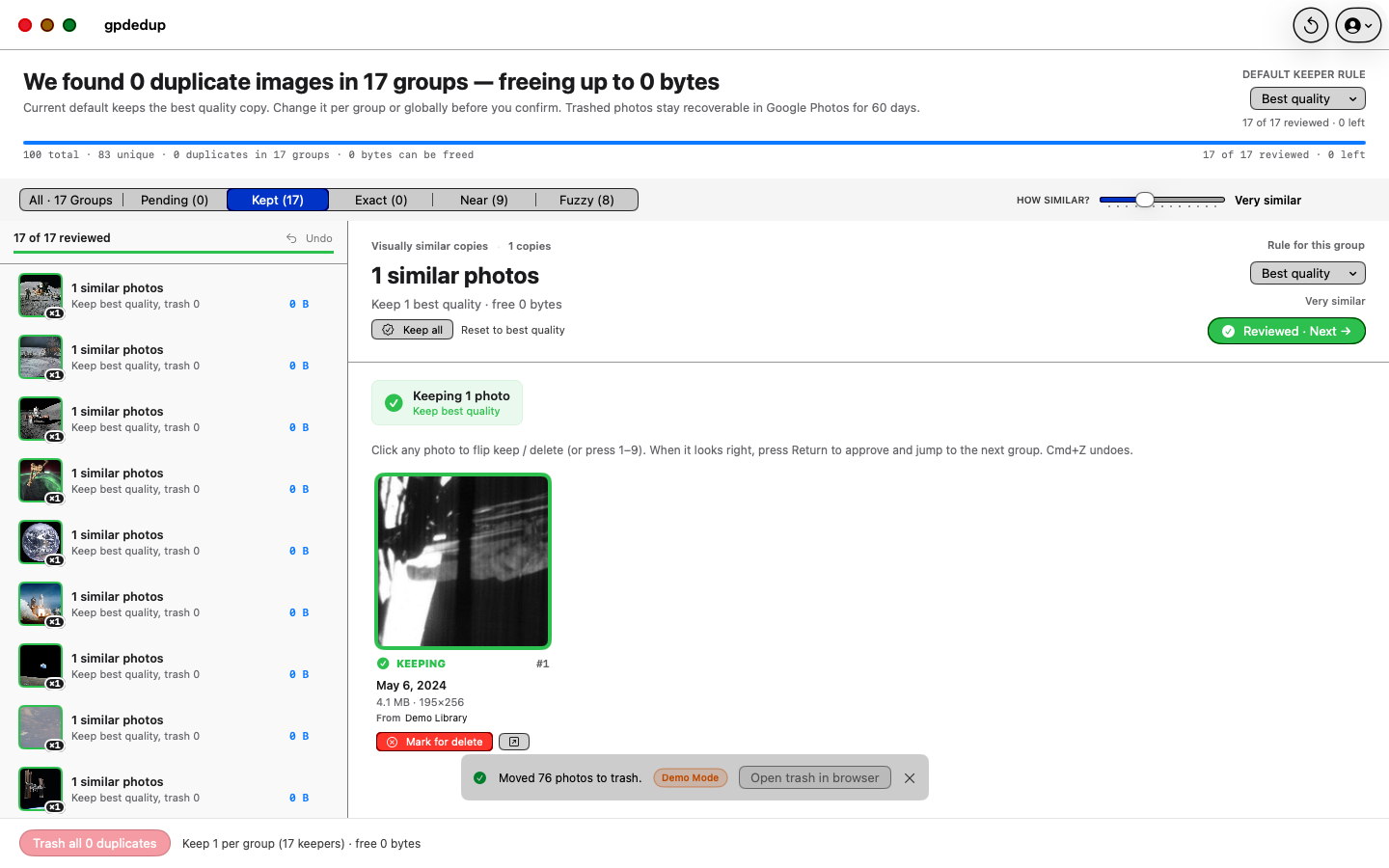
    The app downloads only thumbnails and metadata to your Mac. It finds copies of the same photo even when they are rotated, resized, or re-saved. Your original photos stay on Google.
  3. 3
    You pick what goes to trash
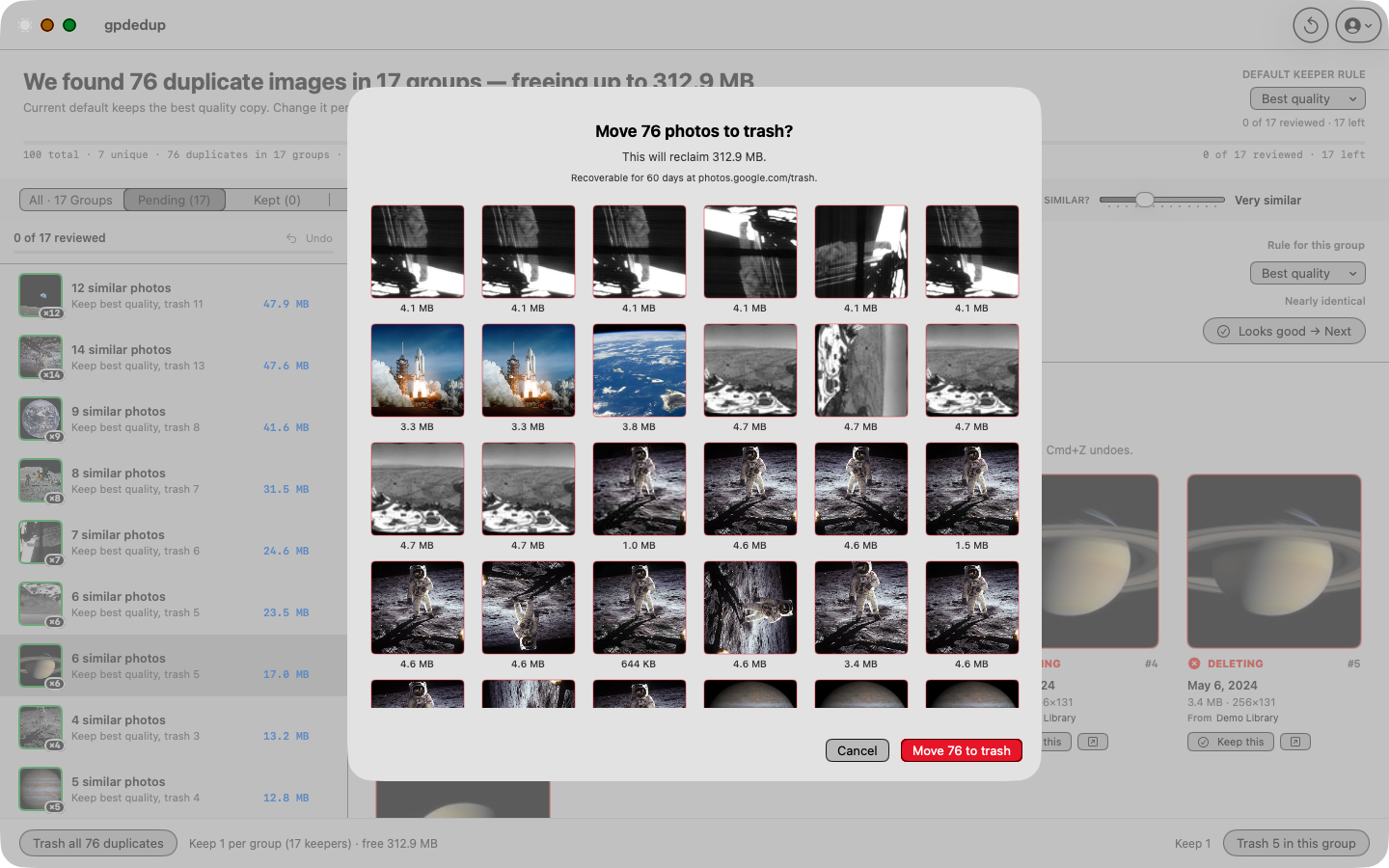
    For each group of duplicates you choose which copy to keep. Confirm, and the extras move to Google Photos Trash. Restore any time within 60 days. Empty the trash yourself when you are sure.
How delete works

gpdedup moves to trash. You empty the trash.

The app never empties your Google Photos trash. It cannot. If you empty the trash yourself in photos.google.com, the duplicates are gone. If you do not, Google keeps them for 60 days and you can restore them with one click.

Move to trash
gpdedup moves the duplicates you approve to Google Photos Trash.
That is the only destructive action the app can do. No permanent delete. No auto-empty.
60 days in trash
Change your mind within 60 days and restore everything.
Open photos.google.com/trash, select the items, click Restore. That is it.
You empty the trash
We do not touch the trash. Ever.
When you are sure, sign in to photos.google.com and empty the trash yourself. Until you do, your duplicates are still recoverable.
Back up first
Before any deduplication, export a backup with Google Takeout.
Go to takeout.google.com and download a zip of your library. Takes 5 minutes to start, runs on its own. Do this before every big clean-up, including this one.
Where your photos live

Your photos stay on Google.

gpdedup never uploads your photos anywhere. Your originals live on Google Photos, full stop. To find duplicates, the app only downloads small thumbnails (tiny preview images) and the metadata (dates, sizes, file names) to your Mac. Nothing goes to a server we run. There is no server we run.

Analytics SDK Crash tracker Dev server Ads
gpdedup None None None None
Typical cloud photo tool Usually yes Usually yes Required Sometimes

No analytics. No crash reporter. No ads. No developer server. The only data that moves is between your Mac and Google, the exact same way photos.google.com moves data when you use it in a browser.

Common questions

Straight answers.

Delete
Can this app permanently delete my photos?
No. The app only moves duplicates to Google Photos Trash. It cannot empty the trash. If you want the duplicates gone for good, sign in to photos.google.com and empty the trash yourself. If not, Google keeps them for 60 days and you can restore them any time.
Privacy
Do my photos get uploaded to you?
No. Your photos stay on Google. The app downloads only thumbnails (small preview images) and metadata (dates, sizes, file names) to your Mac. Originals never leave Google Photos. We do not run any server, so there is nowhere to upload to.
Auto-empty
Does the app auto-empty the trash?
No. The app never empties your trash. Only you can, by signing in to photos.google.com and clicking "Empty trash". Until you do, your 60 day safety net is intact.
Detection
Does it catch rotated or re-saved copies?
Yes. Rotations, mirror flips, small crops, resizes, and re-saved copies all collapse into one group. A slider lets you go stricter (pixel-identical only) or looser (light edits, different crops).
Google
Is this a Google product?
No. gpdedup is NOT affiliated with, endorsed by, or sponsored by Google LLC. Google Photos is a trademark of Google LLC. gpdedup is an independent Mac app that uses your own signed-in Google session to work with your library.
If Google changes
What if Google changes Google Photos?
The app may stop working. gpdedup uses the same public HTTPS endpoints that photos.google.com uses. Google can change them at any time without warning. The app is delivered AS IS, and there is no obligation to ship a fix. This is stated in the in-app Terms you accept during onboarding.

More questions

Anything else?

Does the app upload, edit, or modify my photos?
No. The app only downloads small thumbnails (preview images) to your Mac so it can find look-alikes. Your originals stay on Google Photos. The only thing it sends back to Google is "move these duplicates to Trash", and only after you confirm.
Will it ever delete a photo that has no duplicate?
No. If a photo has no duplicate, the app leaves it alone. It only acts on groups of two or more matching photos, and only on the copies you did not pick as the keeper. Every bulk action shows the exact count before anything moves.
How much does it cost?
One-time purchase on the Mac App Store. No subscription. No renewal. Buy it once, it is yours. We may add optional in-app purchases in the future for power-user extras, but the core duplicate-finder stays part of the base purchase forever.
Do I need a Google account?
Yes. gpdedup is built specifically for Google Photos. Without a Google account you cannot clean up a real library. You can still explore the app offline using the built-in demo library with 100 public-domain photos.
What Mac do I need?
macOS 15 (Sequoia) or newer. Apple Silicon or Intel.
What does the app put on my Mac?
Your Google session is stored in the macOS Keychain. A thumbnail cache speeds up repeat scans and can be deleted any time. Nothing else.
Can I try it before buying?
Yes. The app ships with a built-in demo library of 100 public-domain photos. It exercises every scan, review, and trash step offline. No Google account needed.
Requirements

Built for macOS 15 and later.

Coming soon to the Mac App Store.

Paid, one-time purchase. No subscription. Requires a Google account. In review now, send us your email and we will write you the moment it ships.

Not affiliated with Google LLC. gpdedup is NOT affiliated with, endorsed by, or sponsored by Google LLC. Google Photos is a trademark of Google LLC. gpdedup uses publicly reachable HTTPS endpoints to work with your own signed-in Google Photos library. Google may change, restrict, or discontinue those endpoints at any time without notice. gpdedup is delivered AS IS; the developer is under no obligation to ship a fix if that happens. Always back up your library with Google Takeout (takeout.google.com) before running any deduplication tool, including this one.